
Choosing a printer isn’t as simple as picking the first option you see. Whether you’re a student, small business owner, photographer, or working from home, the “best” printer brand depends on your specific needs—print volume, quality, cost per page, and reliability all matter.
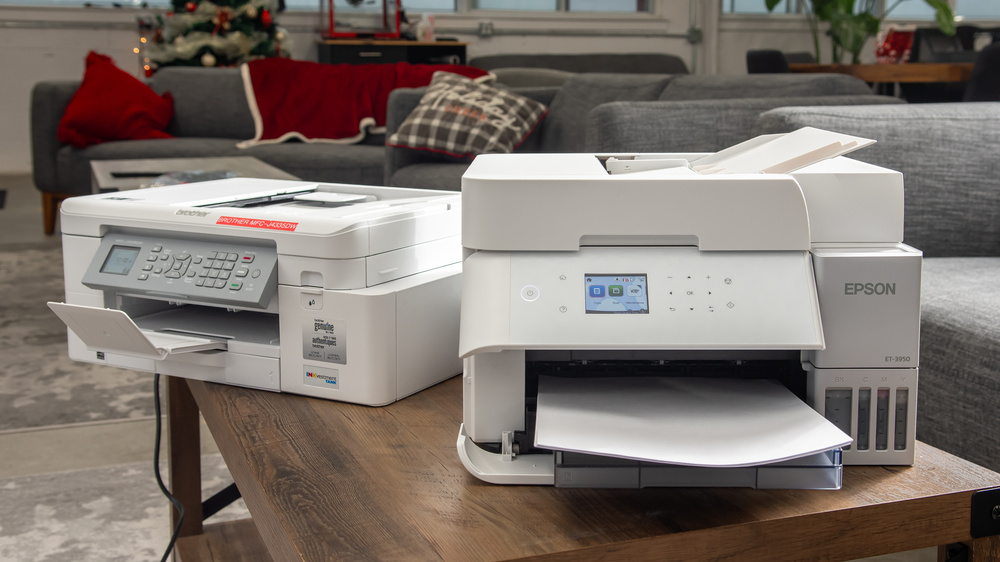
Why Choosing the Right Printer Brand Matters
Before diving into brands, it’s important to understand why brand selection is critical:
- Print quality consistency
- Ink/toner efficiency and cost
- Durability and lifespan
- Driver/software support
- Customer service and warranty
A poor-quality printer can cost more in the long run due to ink waste and frequent repairs.
1. HP (Hewlett-Packard)
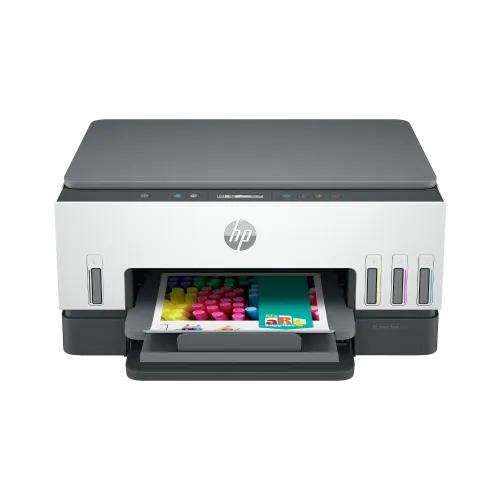
Overview
HP remains one of the most popular printer brands globally. Known for its balance of performance, affordability, and innovation, HP offers a wide range of printers—from entry-level home devices to enterprise-grade machines.
Key Strengths
- Reliable all-in-one printers
- Strong wireless printing ecosystem
- Wide availability of service centers
- HP Smart app integration
Best For
- Home users
- Students
- Small offices
Potential Downsides
- Ink cartridges can be expensive
- Subscription-based ink models may not suit everyone
2. Canon
Overview
Canon is widely respected for photo printing quality. If you care about color accuracy and sharp images, Canon is often the top choice.
Key Strengths
- Exceptional photo printing
- Affordable refillable ink tank systems (MegaTank)
- Quiet operation
Best For
- Photographers
- Creative professionals
- Home users needing color accuracy
Potential Downsides
- Slightly slower than competitors for bulk printing
3. Epson
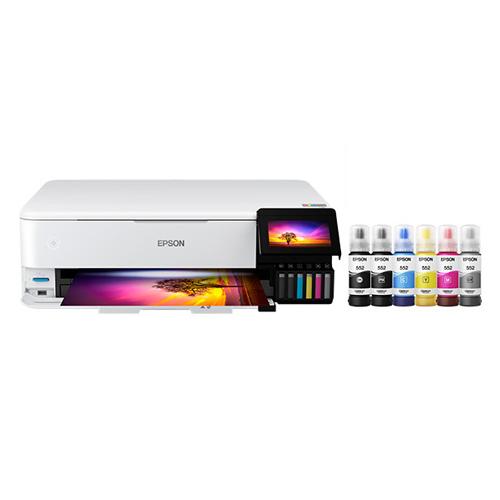
Overview
Epson revolutionized printing with its EcoTank technology, eliminating traditional cartridges and replacing them with refillable ink tanks.
Key Strengths
- Extremely low cost per page
- Ideal for high-volume printing
- Eco-friendly design
Best For
- Businesses
- Schools
- Heavy users
Potential Downsides
- Higher upfront cost
- Slower print speeds in some models
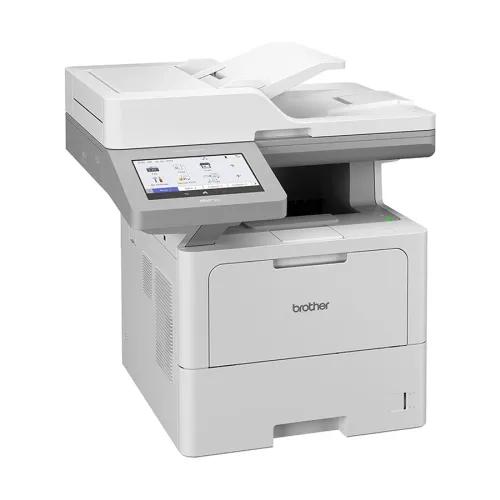
4. Brother Industries
Overview
Brother is known for laser printers and business reliability. Their machines are durable and efficient, especially for black-and-white printing.
Key Strengths
- Fast printing speeds
- Affordable toner
- Excellent durability
Best For
- Offices
- Bulk document printing
- Budget-conscious users
Potential Downsides
- Less focus on high-end color/photo printing
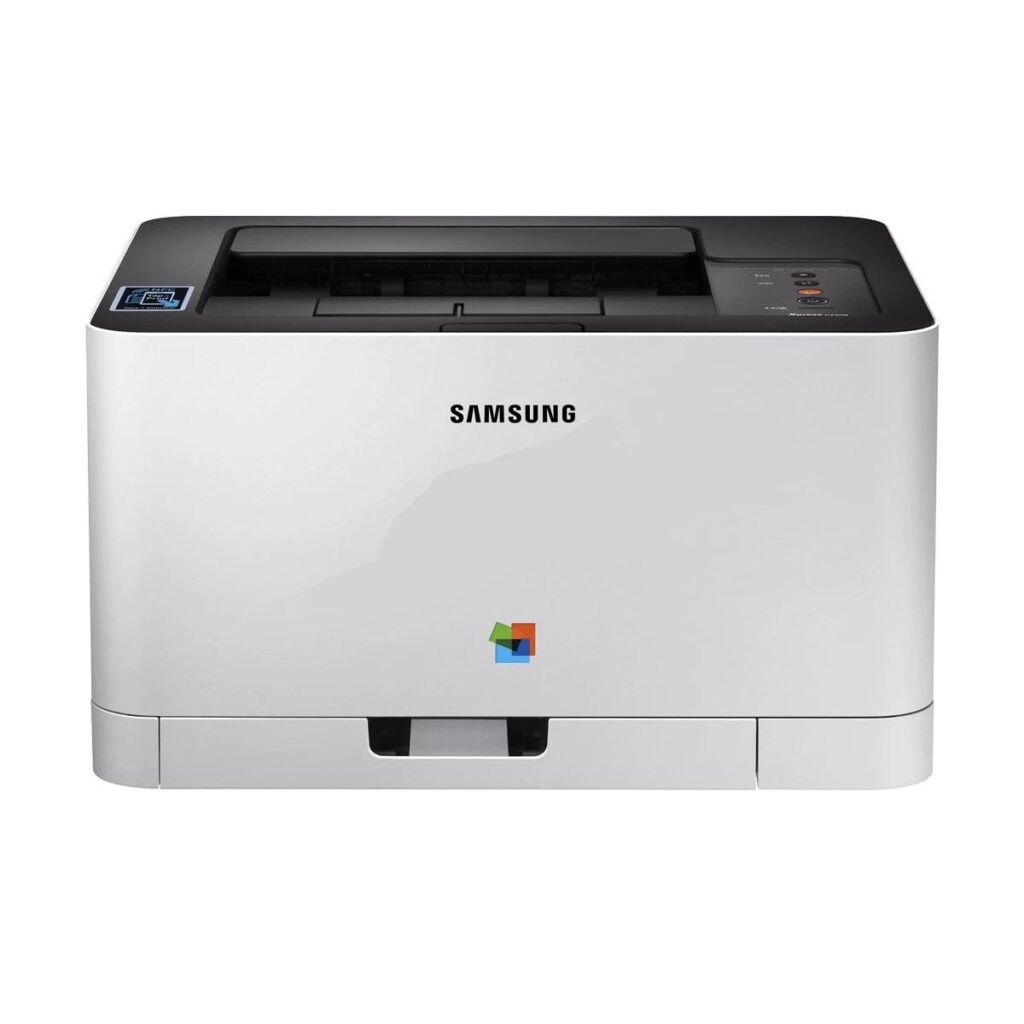
5. Samsung Electronics (now integrated with HP printers)
Overview
Samsung printers are now part of HP’s ecosystem, but their legacy models are still valued for design and efficiency.
Key Strengths
- Compact design
- Fast laser printing
- Modern user interfaces
Best For
- Small offices
- Space-saving setups
6. Xerox
Overview
Xerox is a heavyweight in enterprise printing, known for large-scale office solutions.
Key Strengths
- High-volume performance
- Advanced document management
- Long-lasting hardware
Best For
- Large businesses
- Corporate environments
Potential Downsides
- Expensive for personal use
7. Lexmark
Overview
Lexmark specializes in enterprise-grade printing and secure document solutions.
Key Strengths
- Strong security features
- High durability
- Enterprise integration
Best For
- Medium to large businesses
Inkjet vs Laser: Which Brand Type Is Better?
Before choosing a brand, you should decide between inkjet and laser printers.
Inkjet Printers
- Better for photos and color printing
- Lower upfront cost
- Higher long-term ink cost
Laser Printers
- Faster printing
- Lower cost per page
- Ideal for text documents
How to Choose a Good Printer Brand (Expert Checklist)
Here’s a structured approach professionals use when evaluating printers:
1. Print Volume
- Low usage → HP or Canon
- High usage → Epson EcoTank or Brother laser
2. Cost Efficiency
- Look beyond purchase price
- Calculate cost per page
3. Print Quality
- Photos → Canon
- Documents → Brother or HP
4. Connectivity
Modern printers should support:
- Wi-Fi
- Mobile printing
- Cloud integration
5. Maintenance & Support
- Availability of service centers in your area (important in regions like Bangladesh)
- Ease of replacing ink/toner
Quick Summary Table
| Brand | Best For | Biggest Advantage | Biggest Drawback |
|---|---|---|---|
| HP | Home & students | Ease of use | Expensive ink |
| Canon | Photos & color | Print quality | Slower speed |
| Epson | High-volume | Low cost per page | High upfront cost |
| Brother | Office documents | Speed & durability | Weak photo output |
| Xerox | Enterprise | Heavy-duty performance | Expensive |
| Lexmark | Corporate | Security & reliability | Limited home use |
Final Verdict (Pros vs Cons Summary)
- Choose HP → if you want convenience and balance
- Choose Canon → if photo quality matters most
- Choose Epson → if you want to save money long-term
- Choose Brother → if you print lots of documents
- Choose Xerox/Lexmark → if you run a business
Frequently Asked Questions (FAQ) About Printer Brands
1. What is the best printer brand overall?
The “best” printer brand depends on your needs, but generally:
- HP (Hewlett-Packard) is best for all-around use
- Canon excels in photo printing
- Epson is ideal for low-cost, high-volume printing
- Brother Industries is best for office use
For most users, HP is a safe and balanced choice.
2. Which printer brand is cheapest in the long run?
Epson is widely considered the most economical due to its EcoTank system, which uses refillable ink tanks instead of cartridges.
- Very low cost per page
- Ideal for frequent printing
- Higher upfront cost but long-term savings
3. Which printer brand is best for students?
Students usually need affordability and versatility. Good options include:
- HP (Hewlett-Packard) – budget-friendly models
- Canon – good for assignments and occasional color printing
If printing frequently, the Epson EcoTank is a smart investment.
4. Which brand is best for office use?
For office environments:
- Brother Industries – fast, reliable laser printers
- Xerox – enterprise-level solutions
These brands are known for durability and efficiency.
5. Are laser printers better than inkjet printers?
It depends on usage:
- Laser printers: better for documents, faster, cheaper per page
- Inkjet printers: better for photos and color work
Brands like Brother dominate laser printers, while Canon and Epson lead in inkjet.
6. Which printer brand is best for photos?
Canon is widely regarded as the best for photo printing due to:
- Superior color accuracy
- High-resolution output
- Dedicated photo printer lines
Epson is also a strong competitor for professional photo printing.
7. How long do printers usually last?
Most printers last:
- 3–5 years for regular home use
- 5–10 years for business-grade printers
Brands like Brother and Xerox are known for longer durability.
8. Is it better to buy a cheap printer or an expensive one?
A cheap printer may cost more over time due to expensive ink. It’s often better to:
- Invest more upfront
- Save on ink/toner long-term
Epson EcoTank printers are a good example of this strategy.
9. Which printer brand has the cheapest ink?
Epson offers the lowest ink cost with refillable tanks.
Brother Industries also has affordable toner for laser printers.
10. What should I look for when buying a printer?
Key factors include:
- Print volume
- Cost per page
- Print quality
- Connectivity (Wi-Fi, mobile printing)
- Maintenance and support availability
11. Are wireless printers reliable?
Yes, modern wireless printers from brands like HP (Hewlett-Packard) and Canon are highly reliable and support:
- Mobile apps
- Cloud printing
- Remote printing
12. Which printer is best for home use?
For home use:
- HP → best all-round
- Canon → best for photos
- Epson → best for frequent printing