
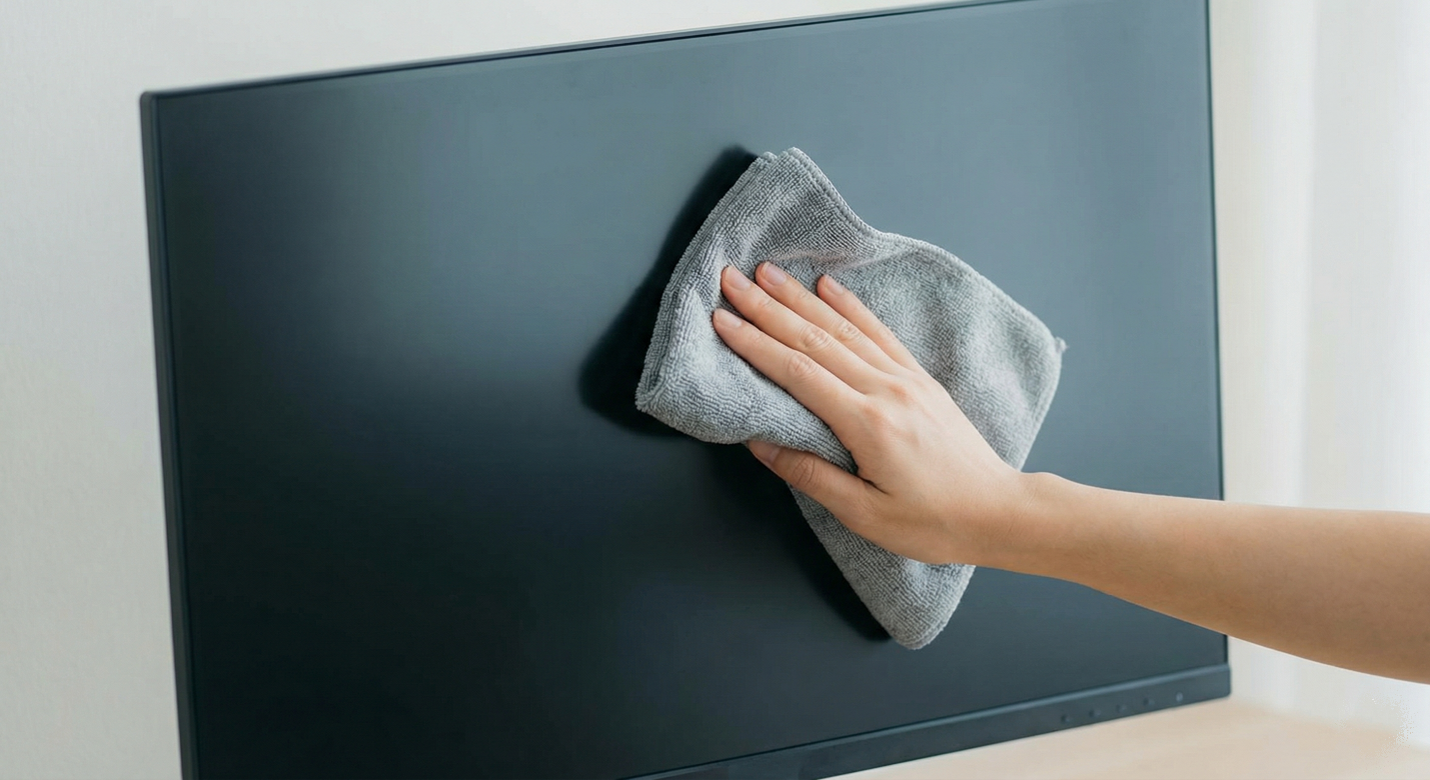
Keeping your flat-screen TV monitor clean is essential for enjoying the crisp, clear picture quality you paid for. Dust, fingerprints, and smudges can accumulate over time, creating a hazy film that distorts the image and makes for a less-than-ideal viewing experience. However, cleaning these delicate screens requires a gentle touch and the right materials. Using the wrong cleaning products or techniques can permanently damage the screen’s surface, leading to costly repairs or replacements.
This comprehensive guide will walk you through the process of cleaning your flat-screen TV monitor safely and effectively. We’ll cover everything from the necessary tools and materials to step-by-step instructions for different types of screens, including LED, LCD, OLED, and Plasma displays. We will also outline the most common mistakes to avoid, ensuring your TV remains in pristine condition for years to come.
Why You Need to Be Careful Clean TV Monitor
Unlike the old, heavy glass CRT televisions of the past, modern flat-screen TVs are made with much more sensitive materials. Their screens are typically made of plastic or a thin layer of glass covered with a special coating. This coating is designed to reduce glare and enhance picture quality but is easily damaged by harsh chemicals and abrasive materials.
Using a standard glass cleaner like Windex, paper towels, or even an old rag can scratch the screen, strip away the anti-glare coating, and cause permanent discoloration or clouding. To avoid these issues, it’s crucial to use only the recommended cleaning methods and materials.
What You’ll Need
The good news is that you don’t need any expensive or specialized cleaning kits to clean your flat-screen TV. You likely already have everything you need right at home.
- Microfiber Cloths: This is the most important tool. Microfiber is soft, lint-free, and highly effective at trapping dust and oil without scratching the screen. You’ll need at least two: one for dry dusting and one for damp cleaning. Avoid using paper towels, tissues, or old t-shirts, as their fibers can be abrasive.
- Distilled Water: Tap water contains minerals that can leave behind streaks or residue on the screen. Distilled water is free of these impurities and is the safest liquid to use.
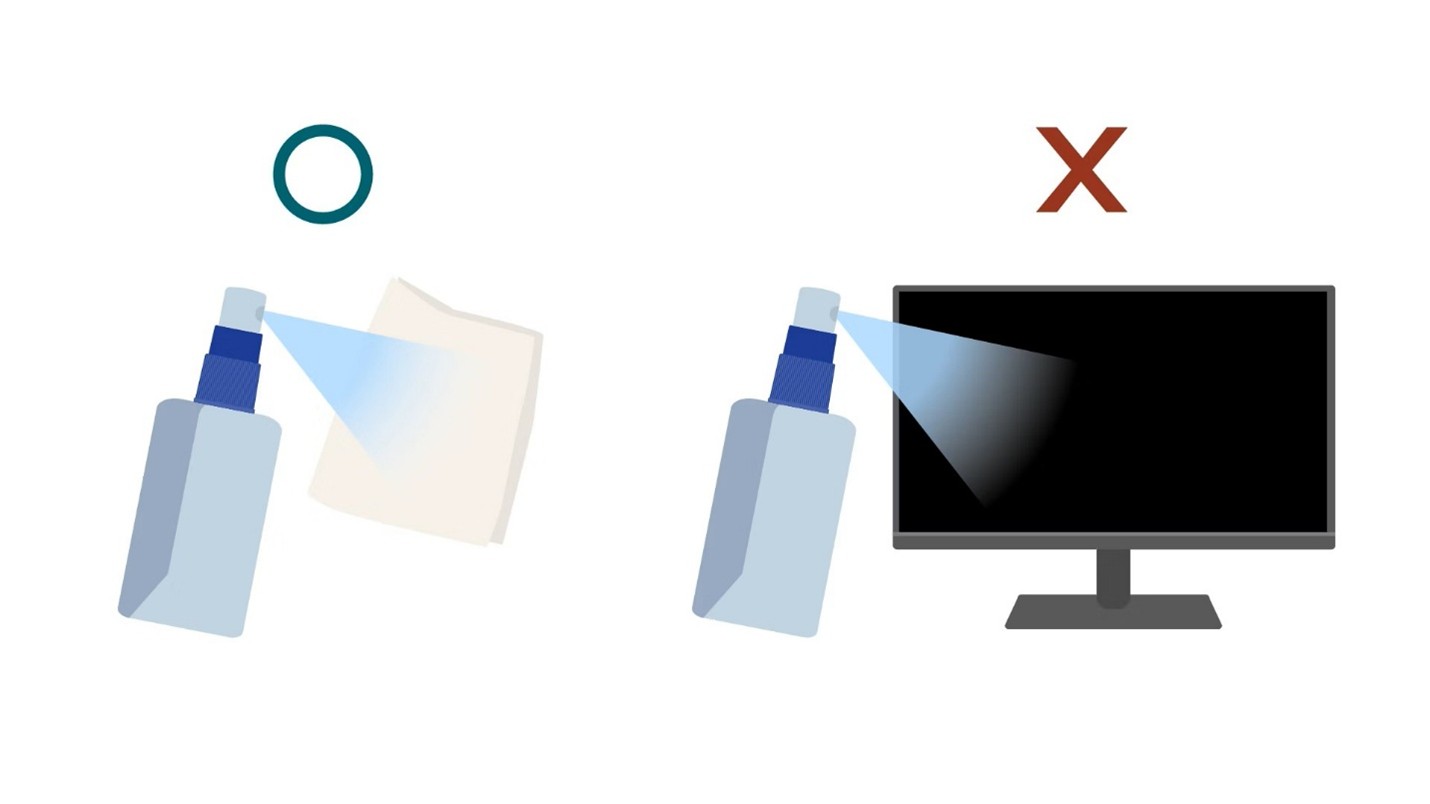
- A Small Spray Bottle: You’ll use this to lightly dampen one of your microfiber cloths. Never spray liquid directly onto the TV screen.
- Cotton Swabs (Optional): These are helpful for cleaning hard-to-reach areas like the corners of the screen and the vents on the back of the TV.
Step-by-Step Guide to Cleaning Your Flat Screen TV
Follow these simple steps to clean your flat-screen TV monitor safely and effectively.
Step 1: Turn Off and Unplug Your TV
This is a crucial safety step. Turning off the TV allows you to see smudges and dirt more clearly. Unplugging it eliminates any risk of electrical shock and prevents damage from static electricity. Let the TV cool down for at least 15-20 minutes before you begin cleaning. A warm screen is more difficult to clean and can increase the risk of streaking.
Step 2: Dust the Screen with a Dry Microfiber Cloth
Gently wipe the entire surface of the screen with a clean, dry microfiber cloth. This will remove loose dust, pet hair, and other debris. Use light pressure and move the cloth in a consistent pattern, such as from top to bottom or left to right. Do not press down hard on the screen, as this can damage the delicate pixels.
Step 3: Clean Smudges and Fingerprints
If the screen still has smudges, fingerprints, or other stubborn stains after dusting, you’ll need to use a damp cloth. Take a new microfiber cloth and lightly spray it with distilled water. Do not spray the water directly onto the TV screen. The cloth should be damp, not soaking wet.
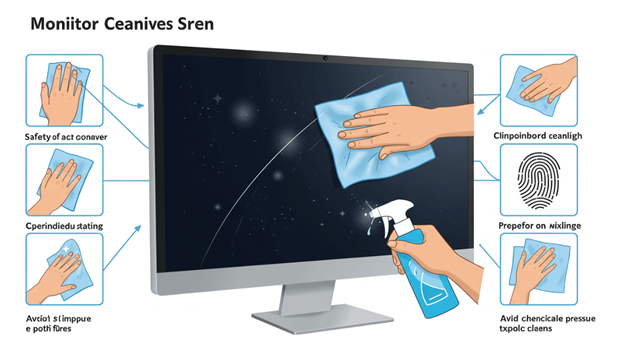
Gently wipe the screen again, focusing on the areas with smudges. Use a soft, circular or horizontal motion, as shown in the image below. Avoid using excessive pressure, as this can damage the screen. If a smudge is particularly stubborn, you can try using a slightly more damp part of the cloth, but be very careful not to let any liquid drip down the screen.
Step 4: Dry the Screen
Once you have cleaned the screen with the damp cloth, it’s important to dry it thoroughly. Take a new, dry microfiber cloth and gently wipe the screen again to remove any remaining moisture. This is a crucial step in preventing streaks and water spots. Move the cloth in a consistent pattern, such as from top to bottom, to ensure the entire surface is dried.
Step 5: Clean the Frame and Stand
Don’t forget to clean the frame and stand of your flat-screen TV! Dust and dirt can accumulate in these areas as well. Use a dry microfiber cloth to dust the frame and stand, and use a damp cloth for any smudges or fingerprints when you Clean a Flat Screen TV Monitor
More details can be foundo on here
Special Considerations for Different TV Types
While the general cleaning process is the same for all flat-screen TVs, there are some specific considerations for different types of displays:
OLED and QLED TVs
OLED and QLED TVs have a unique screen technology that is even more sensitive to pressure and moisture than other types. For these TVs, it’s especially important to use a very light touch and a cloth that is only slightly damp. Avoid using any pressure when cleaning an OLED or QLED TV screen, as this can cause permanent damage to the pixels.
Plasma TVs
Plasma TVs have a glass screen that is less sensitive to pressure than OLED and QLED TVs. However, they are still susceptible to damage from abrasive materials and harsh chemicals. It’s important to use a microfiber cloth and a safe cleaning solution, such as distilled water, to clean a Plasma TV screen.
Curved TVs
Curved TVs can be more difficult to clean than flat-screen TVs due to their shape. Use a soft, microfiber cloth and a gentle cleaning motion to clean a curved TV screen. Avoid using any pressure in the corners or along the edges of the screen, as this can cause damage.
Touch Screen TVs
Touch screen TVs require special care, as the screen is designed to be touched. Use a microfiber cloth and a safe cleaning solution, such as distilled water, to clean a touch screen TV screen. Avoid using any pressure, as this can damage the touch sensors.
3D TVs
3D TVs have a special filter on the screen that creates the 3D effect. This filter can be easily damaged by abrasive materials and harsh chemicals. Use a microfiber cloth and a safe cleaning solution, such as distilled water, to clean a 3D TV screen.
Frequently Asked Questions (FAQs)
Here are some of the most common questions about cleaning a flat-screen TV monitor:
Q: Can I use Windex to clean my flat-screen TV?
A: No, you should never use Windex or any other glass cleaner on a flat-screen TV. These products contain ammonia and other harsh chemicals that can strip away the screen’s anti-glare coating and cause permanent damage.
Q: Can I use a paper towel to clean my flat-screen TV?
A: No, paper towels are abrasive and can scratch the screen’s surface. They can also leave behind lint, which will defeat the purpose of cleaning the screen.
Q: Can I use tap water to clean my flat-screen TV?
A: It is not recommended to use tap water, as it contains minerals that can leave behind streaks and residue on the screen. Distilled water is the safest and most effective option.
Q: How often should I clean my flat-screen TV?
A: You should dust your flat-screen TV with a dry microfiber cloth every week to prevent dust and pet hair from accumulating. You should only clean the screen with a damp cloth when it is necessary, such as when there are smudges or fingerprints on the screen.
Q: Can I use alcohol or vinegar to clean my flat-screen TV?
A: It is generally not recommended to use alcohol or vinegar on a flat-screen TV screen, as these products can be too harsh and can damage the screen’s coating. Some sources may suggest a highly diluted vinegar solution, but it’s always safer to stick with distilled water.
Q: What should I do if I get water on my flat-screen TV?
A: If you accidentally get water on your flat-screen TV screen, immediately wipe it up with a clean, dry microfiber cloth. Do not let the water sit on the screen, as this can cause permanent damage.
By following these simple steps and using the right materials, you can keep your flat-screen TV monitor clean and looking its best for years to come.
If you want find out about more CLICK HERE